Article
25 Jan 2025
Before installing Exocad, it’s important to make sure your computer meets the recommended system requirements. Here’s a clear guide on the hardware and software you’ll need.
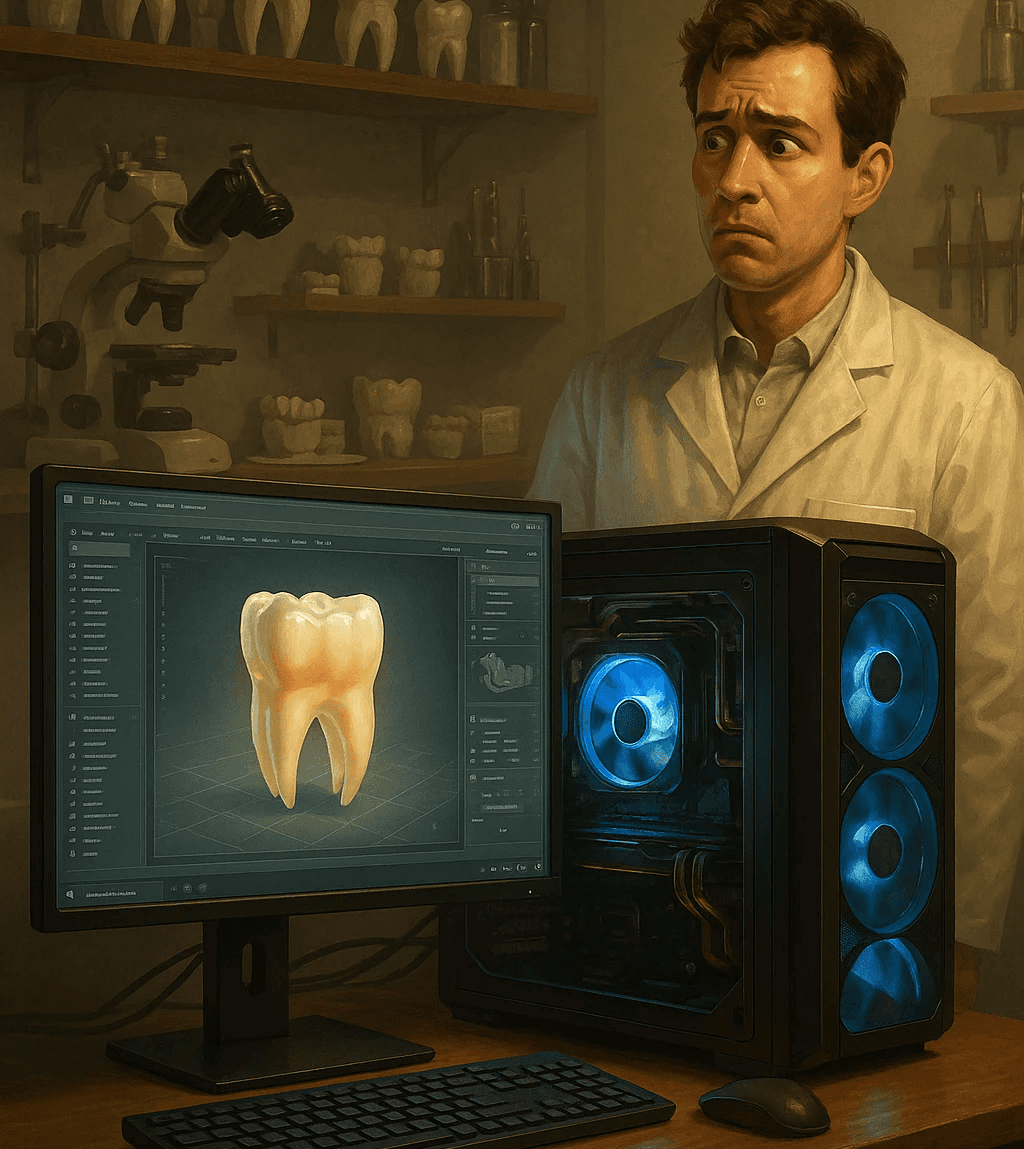
Exocad is a powerful dental CAD software, but to run it smoothly you need the right hardware. Many technicians worry whether their PC can handle it so let’s go through the official and recommended system requirements step by step.
Minimum Requirements (to run Exocad)
Operating System: Windows 10 / 11 (64-bit)
Processor: Intel Core i5 (or AMD equivalent)
RAM: 8 GB
Graphics Card: Dedicated GPU with at least 2 GB VRAM (NVIDIA or AMD)
Storage: 250 GB free SSD space recommended
Internet Connection: Required for installation and support
Recommended Setup (for best performance)
Operating System: Windows 11 Pro (64-bit)
Processor: Intel Core i7 / AMD Ryzen 7 or higher
RAM: 16–32 GB
Graphics Card: NVIDIA RTX series with 4–8 GB VRAM (professional CAD cards or gaming GPUs both work)
Storage: NVMe SSD for fast loading and saving
Monitor: Full HD or higher resolution (IPS panel recommended)
Why Hardware Matters
Exocad handles complex 3D calculations, large libraries, and detailed restorations. A faster GPU and more RAM mean smoother workflow, less waiting, and fewer crashes especially when working with full-arch cases or titanium bar designs in PartialCAD.
Tips for Labs and Technicians
Always use a dedicated GPU (integrated Intel graphics are not enough).
Invest in SSD storage - it dramatically reduces loading times.
If possible, go for 32 GB RAM - it future-proofs your setup.
Keep your Windows and GPU drivers updated for maximum stability.
Having the right PC setup makes Exocad faster, smoother, and more reliable. If your computer meets the requirements, you’re ready to unlock its full potential.