Article
13 Jan 2025
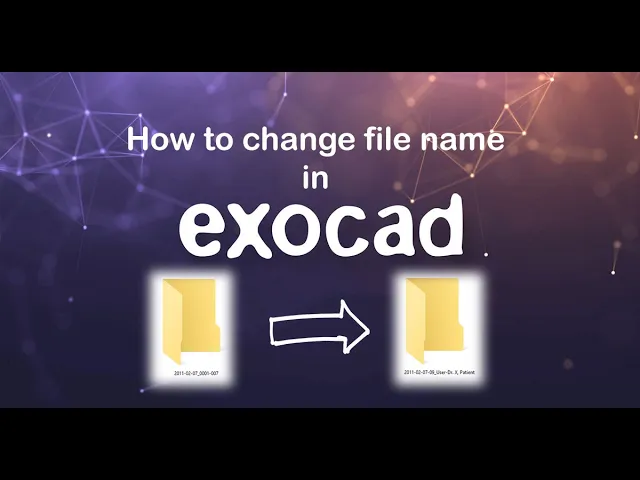
By default, Exocad names project folders with the creation date, which makes it harder to find the right case later.
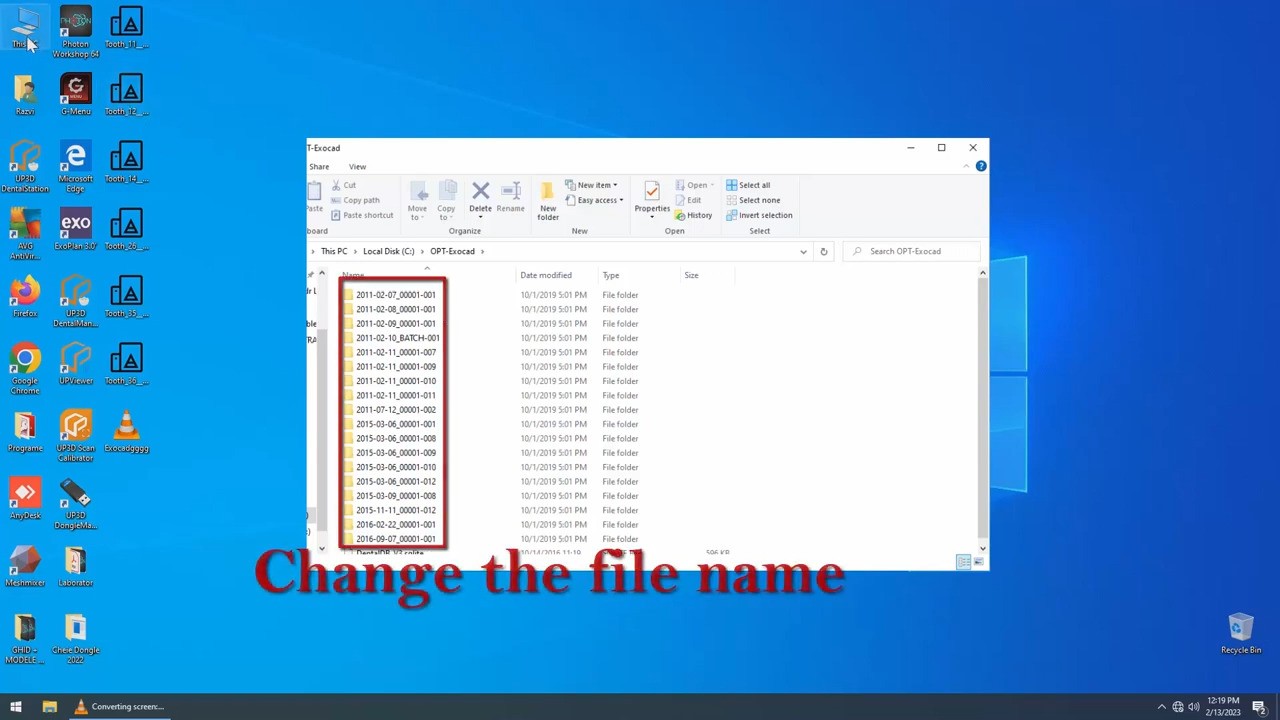
By default, Exocad names project folders with the creation date, which makes it harder to find the right case later.
In this short video, you can see how to change one simple setting so that each project is saved under the patient’s name instead clean, organized, and easy to navigate.
Example: instead of 2025-03-24.00002-004, you’ll get JOHN_SMITH
Watch the video and make your workflow smarter in just 10 seconds.